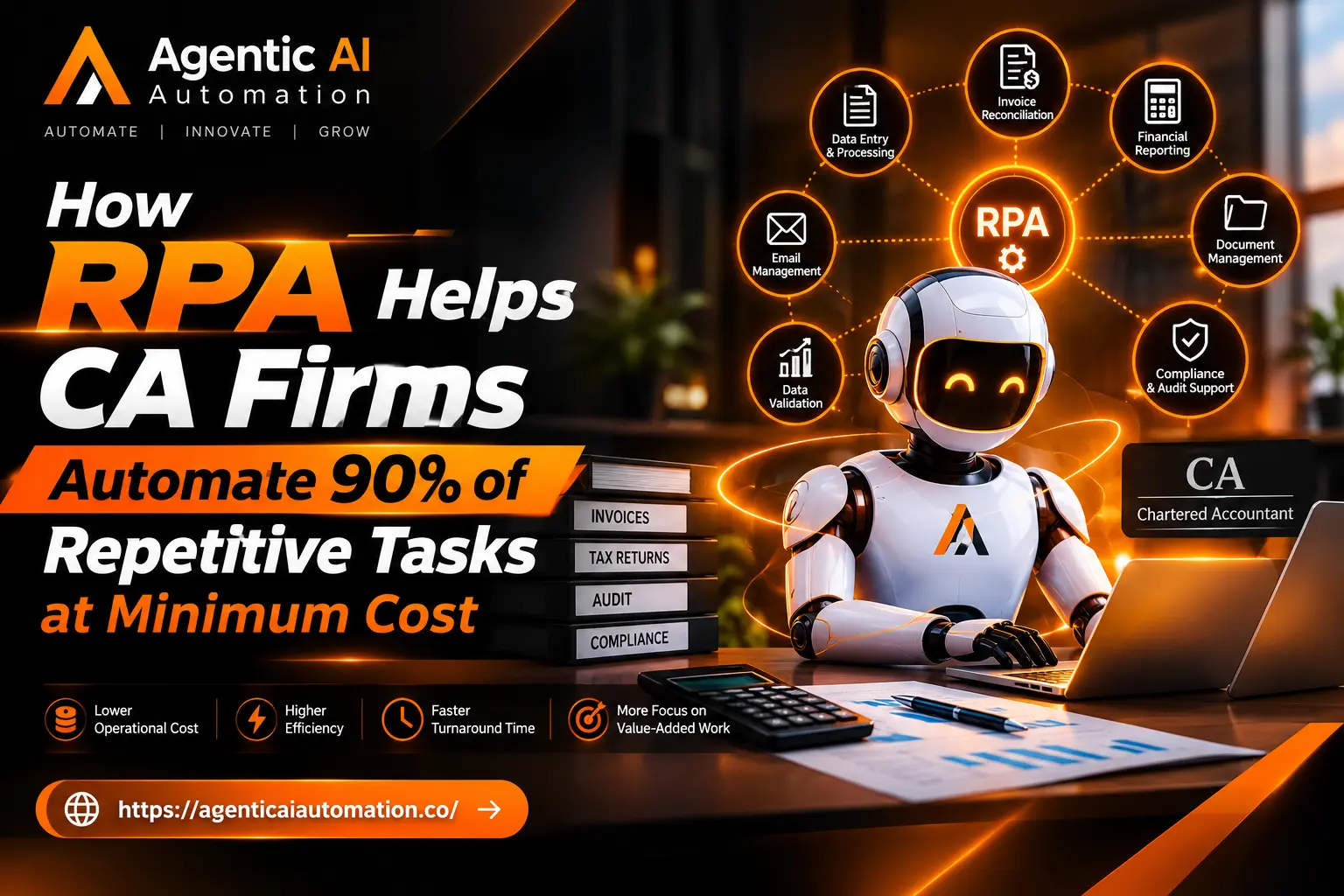
Transform Repetitive Accounting Processes with Cost-Effective RPA Automation
If you've spent any time researching automation for your business, you've probably noticed two acronyms showing up everywhere lately: AI and RPA. For years these were treated as separate tools solving separate problems. Robots handled repetitive clicks and keystrokes. AI handled language, images, and predictions. But that line has blurred, and the combination now driving real business results is ai with rpa — a pairing that takes the reliability of bots and adds a layer of judgment on top.
This shift matters because the old version of automation had a ceiling. It could follow rules perfectly, but it couldn't think. The moment a process required a decision, a bot either broke or handed the task back to a human. That gap is exactly what modern automation is closing, and it's why so many operations leaders are rethinking what "automated" actually means in 2026.
In this post, we'll walk through what rpa automation actually is, why it started running into limits, how combining it with artificial intelligence changes the picture, and what Agentic AI Automation looks like in practice. By the end, you should have a clear sense of whether this approach fits your business and where to start.
What RPA Automation Actually Does
Robotic Process Automation, or RPA, is software that mimics the way a human interacts with digital systems. It clicks buttons, copies data between spreadsheets, fills out forms, and moves files from one folder to another — all without a person sitting at the keyboard.
Robotic process automation became popular because it's fast to deploy and doesn't require rebuilding your existing software. You point a bot at a task, record the steps, and it repeats them exactly, every time, without getting tired or making typos.
Common examples include: • Extracting invoice data and entering it into accounting software • Reconciling records between two systems that don't talk to each other • Sending routine emails based on a trigger, like a new customer signup • Copying data from a website into an internal database These tasks are high-volume, repetitive, and rule-based. That's exactly the environment where RPA shines. It's also exactly why it struggles the moment a task stops being predictable.
Where Traditional RPA Hits a Wall
Bots are literal. They follow the exact steps they were taught, and nothing more. This works beautifully until something changes — a website redesigns its layout, an invoice arrives in a slightly different format, or a customer asks a question that wasn't in the script.
When that happens, a traditional bot doesn't adapt. It either throws an error or completes the task incorrectly, and someone on your team has to step in and fix it. Over time, this creates a hidden cost: teams spend hours maintaining bots and handling the exceptions those bots can't manage on their own.
This is the core limitation that pushed vendors and businesses toward pairing automation with intelligence rather than treating them as separate tools.
What Changes When You Combine AI with RPA
Here's where things get interesting. AI with RPA means giving a bot the ability to interpret information instead of just following fixed steps. Instead of a rigid script, the bot has access to a model that can read unstructured text, recognize patterns in images, understand intent in a message, or make a judgment call based on context.
Think about an invoice-processing bot. A traditional bot needs invoices to follow a specific template, or it fails. An AI-enhanced bot can look at an invoice it has never seen before, understand which numbers represent the total, the tax, and the due date, and process it correctly anyway.
That's the practical difference. The bot still does the repetitive execution work RPA has always been good at, but now it can handle variation, ambiguity, and edge cases without needing a human to step in every time something looks slightly different.
This combination also opens the door to processes that were never good candidates for automation before. Customer service triage, contract review, and document classification all involve judgment calls that rigid rule-based bots simply couldn't make. With AI layered in, these workflows become automatable too.
What Is Agentic AI Automation
If AI with RPA is about adding intelligence to individual tasks, Agentic AI Automation takes it a step further. Instead of automating one task at a time, an "agent" can plan a sequence of actions, decide which tools or systems to use, and adjust its approach based on what it finds along the way.
A simple bot follows a script: step one, step two, step three. An agent works more like a junior employee. You give it a goal — say, "process this customer refund request" — and it figures out the steps needed to get there. It might check the order history, verify the return policy applies, initiate the refund, and send a confirmation email, all without someone mapping out each individual click in advance.
This matters because real business processes rarely follow a single, unchanging path. A refund request might need extra approval if the amount is large. A vendor invoice might need a different handling path depending on which department it came from. Agentic systems can make those branching decisions on the fly, something that used to require constant reprogramming under the old rule-based model.
It's worth being clear that agentic automation isn't magic, and it isn't fully autonomous in the way some marketing suggests. Well-designed systems still include checkpoints, approval steps, and guardrails, especially for anything involving money, customer data, or compliance. The goal isn't to remove human oversight entirely — it's to remove human oversight from the 90% of cases that don't actually need it.
Real-World Use Cases Worth Knowing
It helps to see how this plays out across different departments, since the value isn't limited to one team. Finance and accounting teams use AI-enhanced bots to process invoices in varying formats, flag anomalies that might indicate fraud, and reconcile accounts without manual line-by-line checking. Customer service teams deploy agents that read incoming tickets, understand the issue being described, pull relevant account information, and either resolve simple requests directly or route complex ones to the right specialist with full context already attached. HR departments use this combination to screen resumes against job requirements, schedule interviews automatically, and answer routine employee questions about benefits or policy without a person needing to respond to every message. Supply chain and procurement teams apply it to monitor vendor communications, flag delivery delays before they become a crisis, and automatically generate purchase orders when inventory drops below a threshold.
In each case, the pattern is the same. The repetitive execution is handled by the automation layer, and the judgment calls are handled by the AI layer, working together instead of requiring a human to bridge the gap between them.
Why Business Owners Are Paying Attention
For business owners and operations leaders, the appeal isn't really about the technology itself — it's about what it frees up. Every hour a team spends manually re-entering data or chasing down exceptions is an hour not spent on higher-value work. Combining rpa automation with AI typically delivers value in a few concrete ways: • Fewer manual exceptions. Bots handle variation instead of failing and escalating everything unusual. • Faster processing times. Tasks that used to take a person hours can complete in minutes. • Lower error rates. Judgment-based checks catch mistakes before they reach a customer or a financial statement. • Better scalability. Volume spikes, like a busy season, don't require hiring temporary staff to keep up. • Improved employee experience. Staff spend less time on tedious data entry and more time on work that actually uses their skills. None of this means fewer people are needed everywhere. In many cases, it means the same team can handle a lot more volume, or can shift attention toward customer relationships and strategic work instead of administrative upkeep.
Challenges to Plan For
It wouldn't be a fair overview without mentioning the friction points, because there are real ones.
Data quality matters more than people expect. An AI model layered on top of messy, inconsistent source data will produce inconsistent results, no matter how capable the model is. Cleaning up source systems is often the unglamorous first step that determines whether a project succeeds.
Governance is another area that deserves real attention. Once a system can make decisions rather than just execute fixed steps, you need clear rules about what it's allowed to decide on its own and what still requires a human sign-off. This is especially true for anything touching payments, contracts, or personal data.
Change management is often underestimated too. Employees who've spent years doing a task manually may be wary of a system taking it over, and that wariness is worth addressing directly rather than dismissing. Involving the team early, and being transparent about what's changing and why, tends to go a lot further than a top-down rollout.
Finally, it's worth resisting the urge to automate everything at once. Starting with one well-defined, high-volume process gives you a chance to learn what works before scaling up.
Getting Started with AI and RPA Together
If you're considering this for your own business, a practical starting point looks something like this:
-
Identify a bottleneck process that's repetitive, high-volume, and currently requires judgment calls that slow it down.
-
Map the current workflow in detail, including every exception and edge case your team currently handles manually.
-
Choose a platform that supports both traditional bot execution and AI-based decision-making, rather than bolting the two together yourself.
-
Start with a pilot on a single process before expanding to others, so you can measure results and catch issues early.
-
Build in oversight from day one, with clear thresholds for when a human needs to review or approve an action.
This staged approach tends to produce better outcomes than trying to overhaul every process simultaneously. It also builds internal confidence, since teams can see the technology working reliably before it touches more sensitive workflows.
Looking Ahead The direction is fairly clear at this point. Standalone RPA will keep serving simple, unchanging tasks well, but the more interesting growth is happening at the intersection of automation and intelligence. As models get better at reasoning through multi-step tasks, agentic systems will take on more complex work with less hand-holding.
For business owners, the practical takeaway isn't to chase every new automation trend that shows up. It's to look honestly at where your team's time is going, identify which of those tasks involve repetitive execution plus some amount of judgment, and treat that intersection as your starting point.
Agentic AI automation and rpa automation aren't replacements for good business judgment. They're tools that, used thoughtfully, give your team more room to exercise that judgment where it actually counts.